Sets & part lists
Enter a set number, load parts, and track progress per piece — list, grid, or single-part view.
Add LEGO® sets, tick off found parts, see what's still missing — works offline too. Perfect when rebuilding from a parts bin.
Also available as an app for iOS & Android
Not an official LEGO® product · Set data from Rebrickable
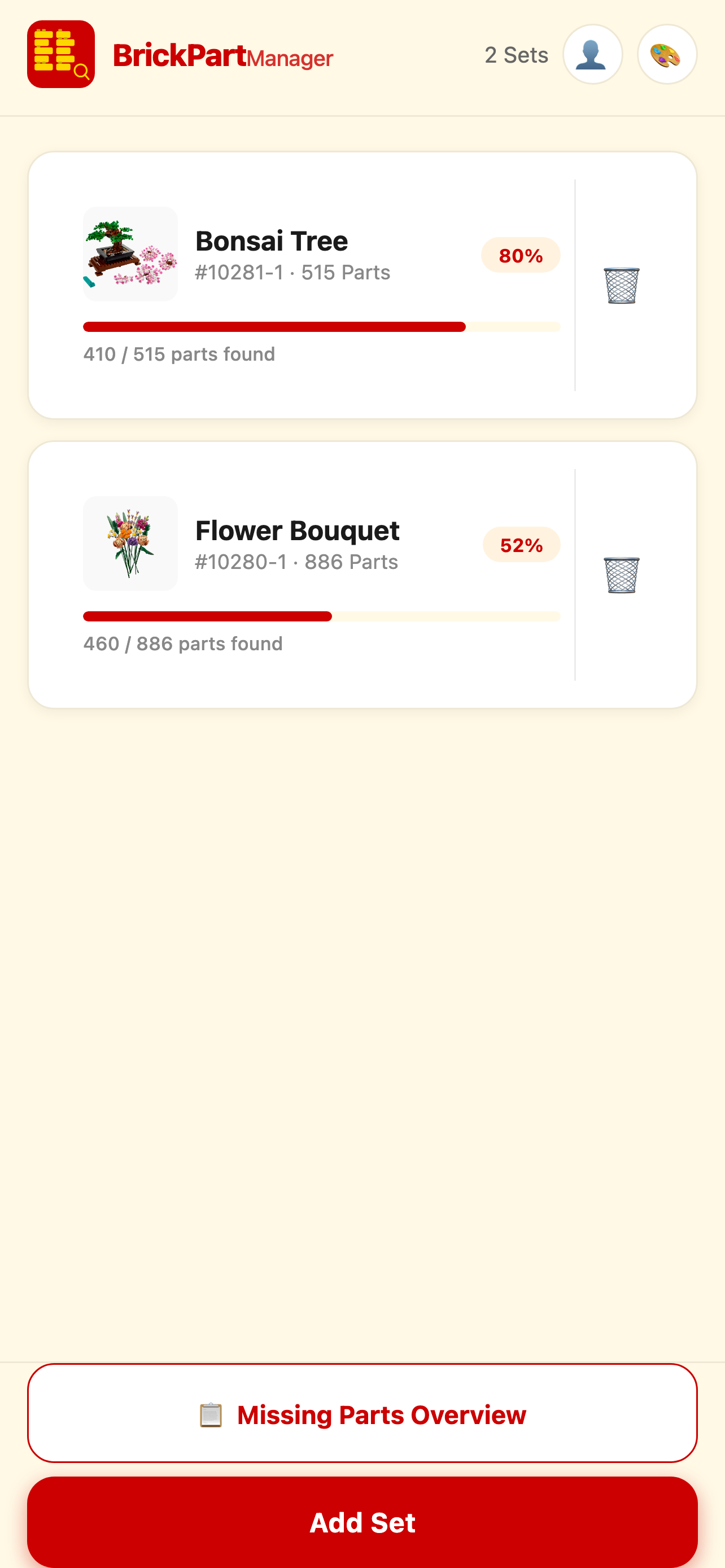
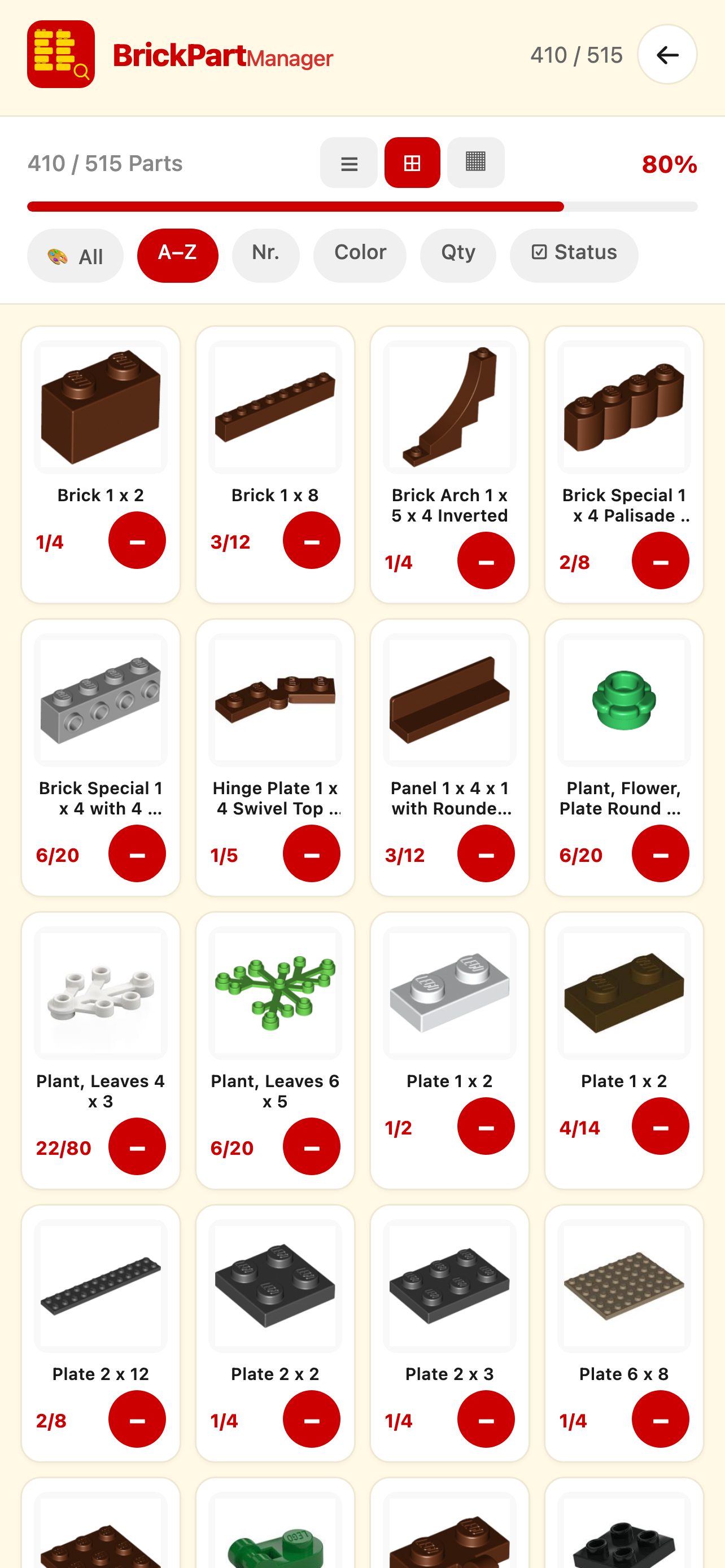
Enter a set number, load parts, and track progress per piece — list, grid, or single-part view.
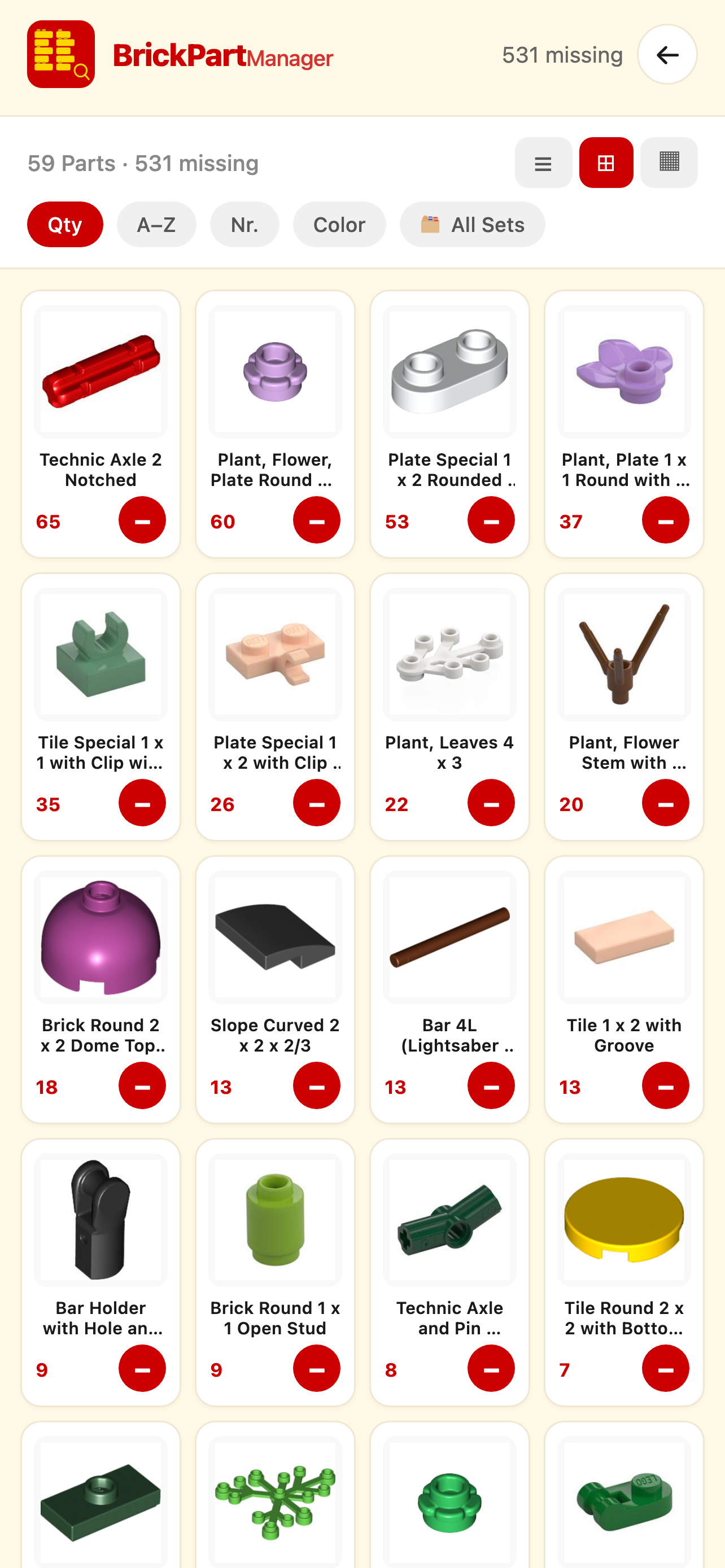
All missing parts across sets — sortable, filterable, with color and status filters.
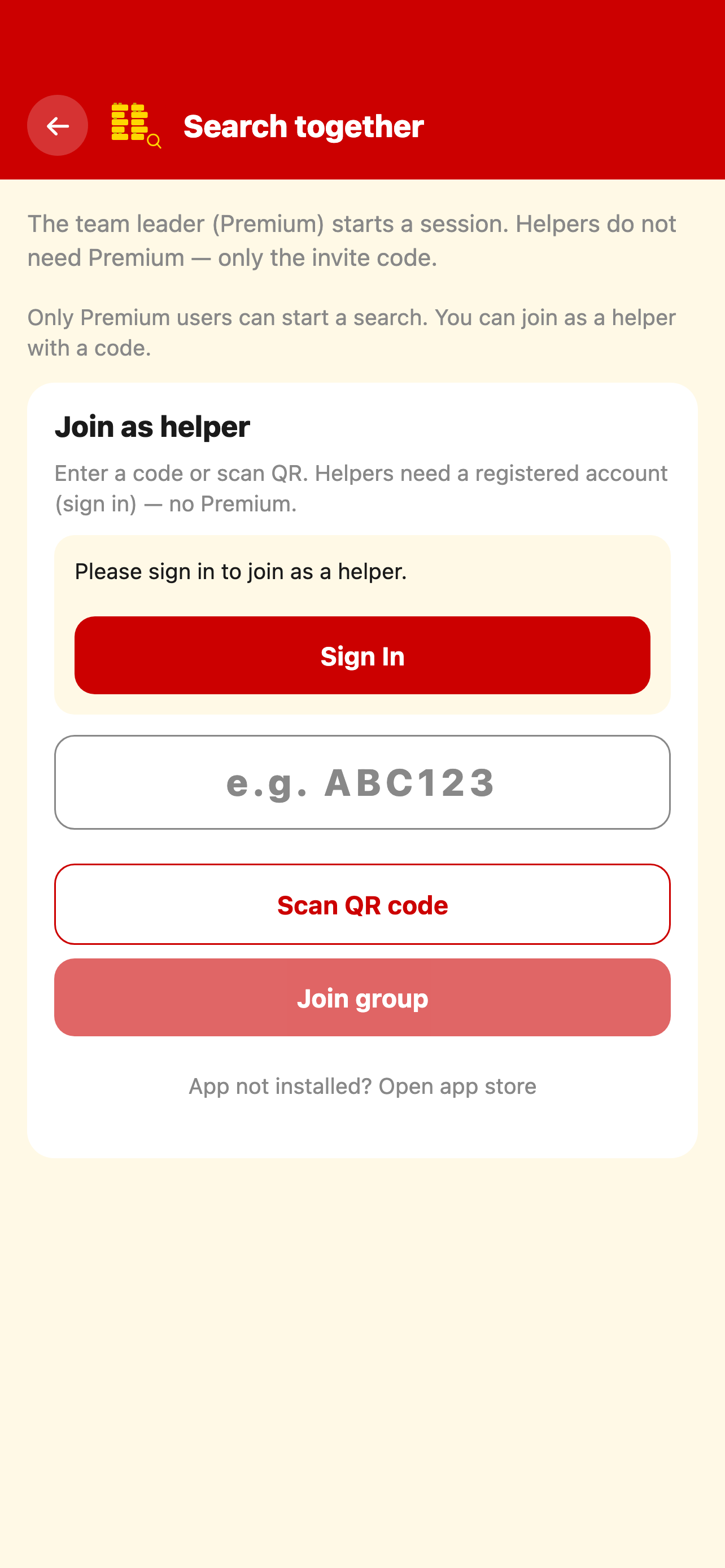
Share an invite code and tick off parts with others — great when sorting as a team.
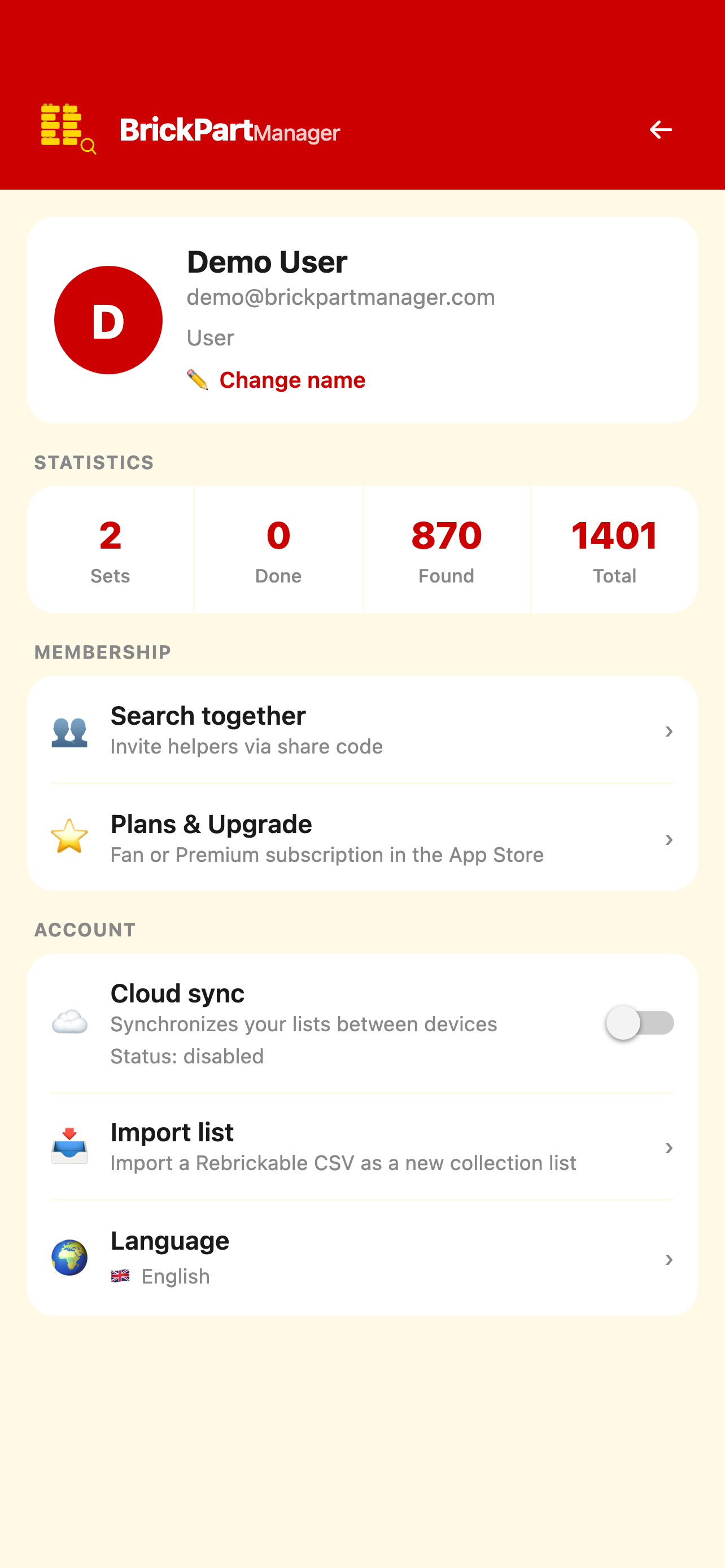
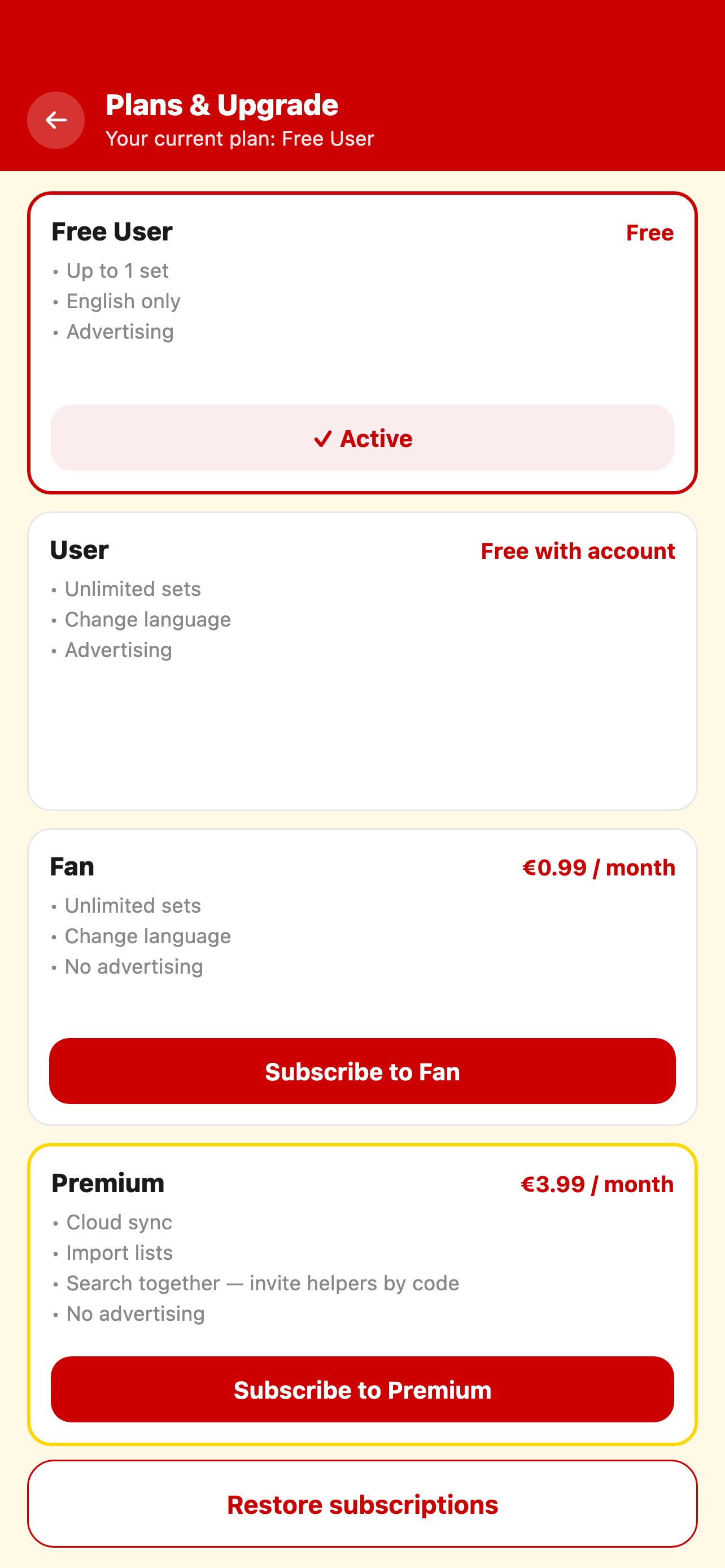
Optionally back up lists to the cloud and sync between devices (Premium).
Rebrickable-compatible CSV — export missing or found parts and import lists.
Seven languages, multiple color themes — optimized for older devices too.
Enter the set number — part data is loaded from the catalog.
Mark found bricks; open parts stay visible.
Export, master list, or collaborative search — all in one app.
No. The app is not endorsed, sponsored, or authorized by the LEGO Group. Set and part data come from Rebrickable.
Yes. Viewing saved sets, searching, filtering, and ticking off parts works without internet — useful when sorting in a basement or hall.
Yes. Share an invite code and tick off the same parts at the same time — ideal when two people sort one set.
Yes. The web app at brickpartmanager.com/app is free to use. Sets are stored locally on your device.
Yes. BrickPartManager exports and imports Rebrickable-compatible CSV files for missing or found parts.
BrickPartManager is on the App Store for iOS and Google Play for Android. Use the web version free in your browser — sets stay local.